How to Actually Find Erotica on Audible
Audible has more explicit audio than any other mainstream retailer, and a first-time visitor can spend half an hour on it and conclude there is none. That is not censorship. It is a discovery system built around bestsellers, personalisation and safe recommendations, applied to a genre where none of those three work.
This is a walkthrough of the mechanics: where the erotica actually lives, what to type, and how to turn one good find into a queue that keeps refilling itself.
Why browsing fails
Three things happen simultaneously when you open the app and start tapping.
The home screen is personalised, and yours has no history. Audible’s front page is assembled from what you have listened to. A new account gets the platform-wide safe defaults: literary fiction, self-help, celebrity memoir. Nothing you do on the home screen will change that until you have listened to something.
Category browsing is bestseller-sorted by default. Even once you reach the right shelf, the top twenty slots are held by the same perennial titles for months. The catalogue’s depth is entirely invisible from a bestseller list.
Erotica is filed under Romance, not on its own. People look for a top-level Erotica category, fail to find one, and conclude it does not exist. It exists — it is one level down.
The category paths that work
Audible’s taxonomy is inherited from Amazon’s and it is not intuitive. Two paths matter.
Romance → Erotica. This is the fiction shelf and it is where the overwhelming majority of explicit audio sits. Reach it by opening the Romance category and looking for the sub-genre list, which is easier to find on the desktop site than in the mobile app — the app collapses subcategories behind a filter menu that is easy to miss entirely.
Health & Wellness → Sex & Sexuality is the non-fiction shelf: sex guides, relationship books, technique manuals. Genuinely useful if that is what you want, and a common wrong turn if it is not. Filed here you will find instruction; filed under Romance you will find stories.
Once you are on the right shelf, change the sort. Sort by newest rather than by bestselling or by relevance. The indie erotica catalogue turns over constantly, and newest-first is the only view that shows you what is actually being published rather than what sold well in 2023.
Then apply the length filter. Setting a maximum of around four hours filters the shelf down to short-story collections almost exclusively, and in this genre short almost always means explicit. Long books have room for plot and slow burn; a three-hour collection does not, and is not attempting to.
Search strings that match real metadata
Store search matches text in titles, subtitles, blurbs and keywords. It does not understand mood. This is why the words readers use and the words that work are almost entirely disjoint.
Words that appear in reader conversation and almost never in metadata: spicy, steamy, smutty, filthy, dirty, hot.
Words that appear in metadata constantly: erotica, erotic, explicit, taboo, forbidden, adult.
So “spicy audiobooks” returns very little and “erotica short stories” returns thousands. Adjust accordingly.
Better still, search the trope rather than the temperature. Trope names are load-bearing metadata in this genre — publishers put them in subtitles because that is how their readers search. Typing hotwife, stepbrother, femdom, monster, breeding or cuckold into the search bar goes directly to the material. Typing “steamy romance” does not.
Pair a trope with the format for the sharpest results: hotwife erotica collection, taboo short stories, monster erotica anthology. Three words beats one.
The four discovery loops
Once you have found one thing you like, stop searching. Search is for cold starts; loops are for everything after.
The publisher loop. Publishers in this space release constantly and to a consistent standard, so the fastest route from one good book to twenty is to search the publisher’s name and browse everything under it. Our whole catalogue works this way — same house style, same production standard, a different trope per title.
The narrator loop. The most reliable of the four. Narrators specialise, and their back catalogue will be in the same register as the thing you just enjoyed, regardless of who wrote it. Open the title page, tap the narrator’s name, and you get their full list. Our narrator pages do the same thing from this side. If you are not sure what to listen for when you sample a new one, we have a method for judging narrators.
The series loop. Erotica collections are frequently numbered, and the series page shows every entry in order with the ones you already own marked. Far faster than searching the title again with a different number on the end.
The also-bought loop. “Customers who bought this also bought” is genuinely good in narrow genres, because the buying population is small and consistent. It is unreliable on the front page and excellent three clicks deep.
The wish list is the actual workflow
This is the habit that separates people who use Audible well from people who spend credits badly.
Add everything that interests you to the wish list rather than buying on impulse. Then check the list, not the store, when you have a credit or when a sale lands. Two things happen. First, the list shows current prices side by side, so you can see immediately which title is expensive enough to justify a credit and which is cheap enough to buy outright — the distinction that decides whether a membership pays for itself, and one we work through properly in how Audible credits work. Second, a week of distance kills about half of the impulse adds, which is money saved.
Romance and erotica get discounted more aggressively and more often than any other category on the platform. A wish list turns those sales from something you miss into something you exploit.
What Audible will not show you, and the workarounds
Anything filtered by your own account settings. If you have ever enabled an adult-content restriction on the Amazon side, or set up a restricted profile, results are being silently filtered and there is no banner telling you so. Plenty of people conclude the platform has no erotica while their own account is hiding it. Our guide to explicit content filters covers where those switches live in both directions.
Explicit cover art or copy in some placements. Certain surfaces sanitise thumbnails and truncate blurbs, which makes explicit titles look tamer than they are. Judge by the product page, not the carousel.
Reliable heat ratings. There is no spice field. The most accurate content rating on the platform is the negative reviews — someone complaining a book was “just sex with no plot” has told you exactly what you needed to know, in more detail than any official label would.
The sample from the good part. Samples are cut from the opening, where nothing has happened. Use them to judge the narrator’s voice and pacing, not the book’s explicitness. For the latter, read reviews.
A five-minute cold start
If you are opening a new account today:
- Go to the desktop site rather than the app. The filters are visible there.
- Romance → Erotica. Sort by newest. Filter length to under four hours.
- Open three titles that catch your eye and play thirty seconds of each sample. You are judging voices, not stories.
- Whichever narrator you liked, open their page and add two more of their titles to your wish list.
- Spend your trial credit on the longest, most expensive title you genuinely want — not the cheapest. Buy the short collections with cash instead.
That sequence takes about five minutes and produces a better queue than an hour of scrolling the home screen ever will.
Frequently Asked Questions
Does Audible have an erotica category?
Yes, as a sub-genre under Romance. There is no top-level Erotica shelf, which is why people assume the catalogue does not exist.
Why can’t I find explicit audiobooks in the app?
The mobile app hides subcategory navigation behind a filter menu and defaults to bestseller sorting. The desktop site exposes the same catalogue far more clearly. Also check that no content restriction is enabled on your account.
What are the best search terms for erotica on Audible?
Trope names and the word “erotica”. Reader vocabulary like “spicy” or “smutty” barely appears in product metadata and will return almost nothing.
How do I know if a book is explicit before buying?
Check the length — under four hours in a romance category usually means explicit short stories — and read the one-star reviews, which describe content more frankly than any blurb.
Is erotica included in Audible Plus?
Some is, but the Plus catalogue leans toward steamy mainstream romance rather than explicit indie titles. Most of what you find using the methods above will be credit or purchase titles.
Books Mentioned
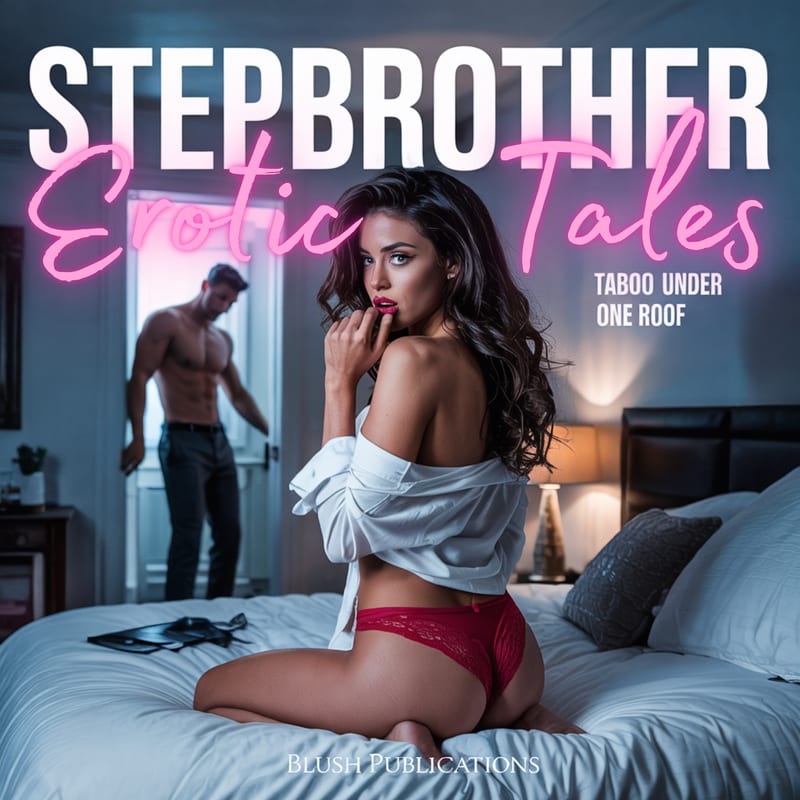
Stepbrother Erotic Tales
Forbidden desire, thin walls, and secret encounters in 10 explicit stepbrother erotica short stories.
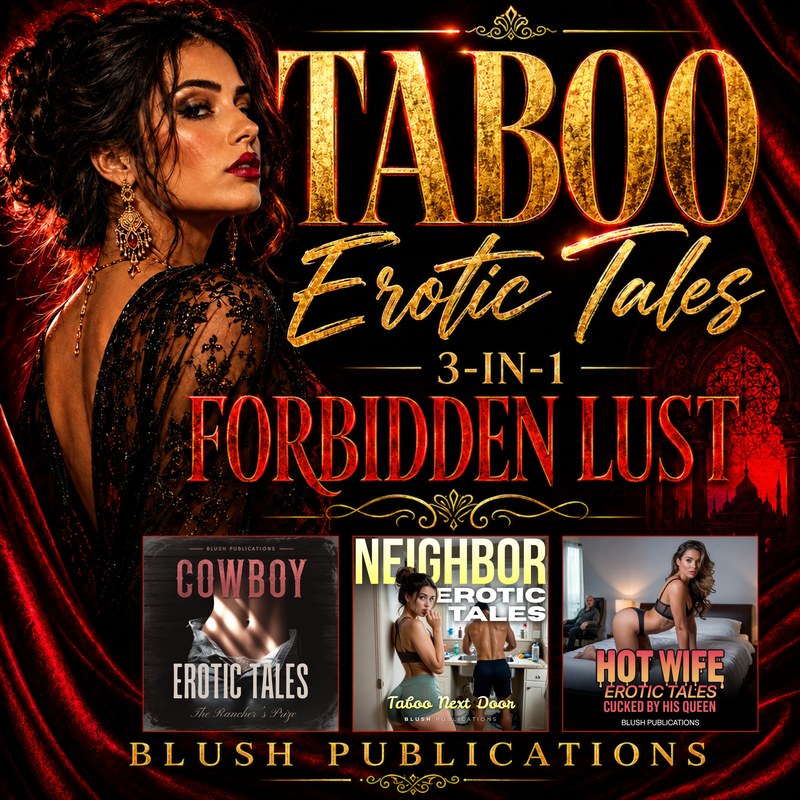
Taboo Erotic Tales
Forbidden lust across every line you're not supposed to cross. 30 explicit taboo stories in one collection.
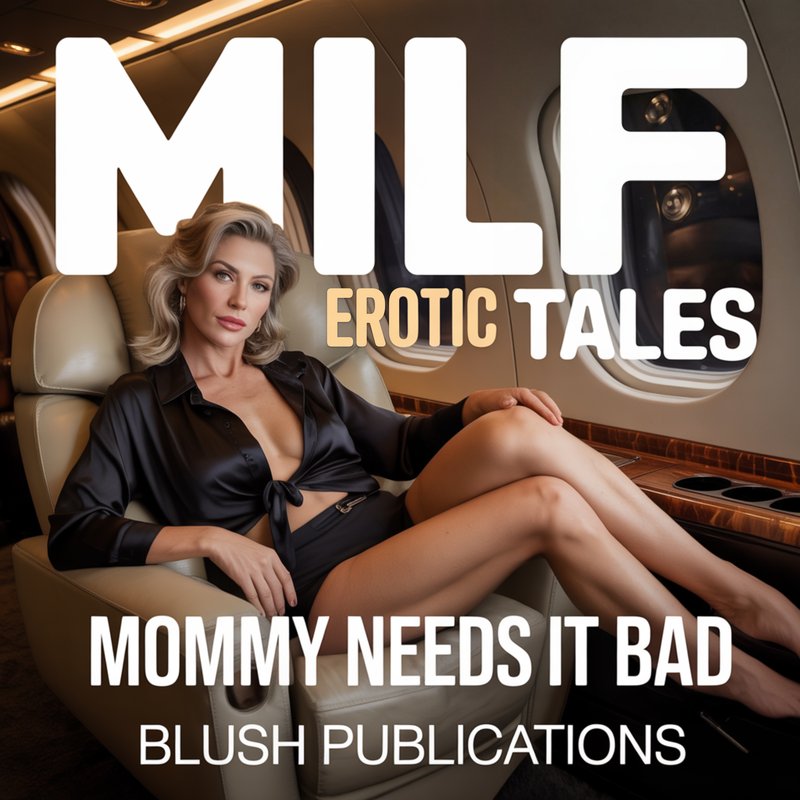
MILF Erotic Tales
Cougar seduction, older woman fantasies, and age-gap encounters in 10 explicit MILF erotica short stories.