Why Erotic Audiobooks Get Blocked, and How to Unblock Them

Something is not working. Before you can fix it you have to know which of five quite different things is happening, because they look similar from the outside and have entirely different causes.
Find your symptom below.
Symptom: the title does not appear when I search for it
The most common complaint, and almost never an actual block.
Cause 1 — adult content is filtered by default. Every major platform hides explicit material from general search unless the account setting permits it. The book is present, purchasable, and completely invisible to you. This accounts for the large majority of cases.
Fix: find the content preference in your account settings — the wording varies (adult content, explicit content, mature content, safe search) and it is usually in account settings on the website rather than in the app. Change it there, then sign out and back in on the app so the setting propagates.
Cause 2 — you are searching from the app rather than the web. Apps distributed through the Apple and Google stores are subject to those stores’ content rules, which are stricter than the platform’s own. Some retailers therefore ship an app that simply cannot display or sell adult titles at all, regardless of your settings.
Fix: search on the retailer’s website in a browser. If the title appears there but not in the app, this is your answer, and it is not fixable from inside the app. Buy on the web; the title will then usually play in the app because playback and purchase are governed separately.
Cause 3 — your search terms are too general. Filtered material is often excluded from broad category browsing while remaining findable by near-exact search. Searching “erotica” returns little; searching the exact title returns it.
Fix: search the exact title or the author, not the genre. How to find erotica on Audible covers search strings that work.
Symptom: I can see the title but cannot buy or download it
Cause 1 — territory rights. Audio rights are sold by territory, and a publisher may hold rights for some countries and not others. The listing is visible because the catalog is global; the transaction is refused because the licence is not.
Fix: none from your side, and be wary of advice suggesting otherwise. Changing an account’s country is a significant change with consequences for your existing library, payment methods and subscription, and it is not a reasonable response to one unavailable title. Check whether the book exists in ebook form, which is licensed separately and often more widely.
Cause 2 — the title has been withdrawn. Books get pulled — rights reversion, a dispute, a retailer policy change. The page may persist for a while after the title stops being sellable.
Fix: check another retailer. Withdrawal from one platform does not imply withdrawal from all.
Cause 3 — payment declined on adult content. Rare but real: some card issuers and some regional payment rules restrict adult purchases.
Fix: try a different payment method, or use platform credit or a gift balance instead of a card.
Symptom: it will not play, or stops partway
Cause 1 — a partial download. Long audiobooks download in parts and a failed part produces silence or an abrupt stop rather than an error message.
Fix: delete the local download and re-download over a stable connection. This resolves the majority of playback complaints.
Cause 2 — the licence needs refreshing. Downloaded audiobooks carry a licence the app periodically re-checks. If the app has been offline for a long time, or you have changed account details, playback can fail while the file is plainly there.
Fix: open the app while online, let it sync, and if that fails sign out and back in.
Cause 3 — device storage. Audiobooks are large. A device close to full will download partially and fail silently.
Fix: check free space before assuming a content problem.
Symptom: the app hides adult titles from my library
Cause: a device-level or account-level content restriction, separate from the retailer’s own setting. Screen Time on iOS, Family Link or Digital Wellbeing on Android, and Windows family settings all have content controls that will filter a retailer app’s contents without the retailer knowing.
Fix: check the operating system’s restrictions as well as the app’s. This is the setting people most often miss, because they look only inside the retailer app and the block is one level up.
If the device is managed by an employer or a school, the restriction may not be removable at all.
Symptom: everything works but the recommendations are useless
Not a block — this is ring-two filtering, and it is permanent.
Explicit titles are excluded from recommendation engines, “customers also bought” panels, and bestseller lists shown by default. The platform will happily sell you the book and will never suggest another like it.
Fix: there is no setting for this. Discovery for this material runs on direct search, publisher sites, and category browsing with filters explicitly changed. It is why platform-specific guides exist at all.
The quick diagnostic
| What you observe | Most likely cause | First thing to try |
|---|---|---|
| Not in search, exists on web | Adult filter on | Account content setting, on the website |
| Not in app, exists on web | App-store content rules | Buy on web, play in app |
| Visible, cannot buy | Territory rights | Check ebook edition instead |
| Downloads then stops | Partial download | Delete and re-download |
| Missing from library only | Device-level restriction | OS content controls, not the app |
| No recommendations | Category-wide exclusion | Nothing — use direct search |
A note on filters that work the other way
Some readers arrive here wanting the opposite: to keep explicit material out, on a shared account or a child’s device. The same settings do that job, and the explicit content filter guide covers each platform’s controls in detail.
Worth knowing that no filter is complete. Mislabelled titles slip through in both directions, because the flags are publisher-declared rather than verified.
Where to listen
If a specific title has proved unobtainable, the full catalog lists what is currently available and on which platform, with a free sample on every book page. Hotwife Erotic Tales, Werewolf Erotic Tales and Vampire Erotic Tales are among the widely available ones.
For platform-by-platform coverage of which services carry this material at all, see audiobook platforms that allow erotica.
Frequently Asked Questions
Why can I not find erotic audiobooks in the app?
Usually because apps distributed through the Apple and Google stores are bound by those stores’ content rules, which are stricter than the retailer’s own. Search on the retailer’s website instead; titles bought there generally play in the app.
Why is a title unavailable in my country?
Audio rights are licensed territory by territory, so a publisher may hold rights where you are not. The listing shows globally, the sale does not. The ebook edition is licensed separately and is often available where the audiobook is not.
How do I turn off the adult content filter?
Look in account settings on the retailer’s website rather than in the app — the wording varies between adult, explicit, mature and safe search. Sign out and back in on the app afterwards so the change propagates.
Why does the book play but never get recommended?
Explicit titles are excluded from recommendation engines and bestseller lists as a category, not as individual decisions. There is no setting that changes this; discovery for this material runs on direct search.
My download keeps stopping partway. Is it blocked?
Almost certainly not. Partial downloads are the most common cause and produce silence rather than an error. Delete the local copy and download again over a stable connection.
Books Mentioned
Hotwife Erotic Tales
Adventurous couples, shared encounters, and boundary-pushing desire in 10 explicit hotwife erotica stories.
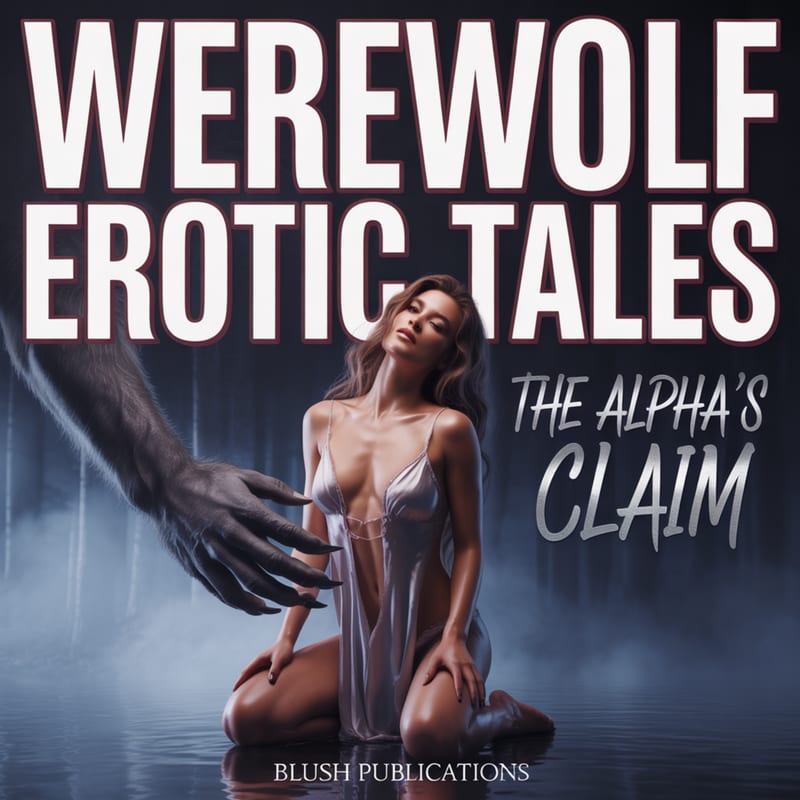
Werewolf Erotic Tales
Alpha wolves, full-moon heat, and primal mating in 10 explicit werewolf erotica short stories.
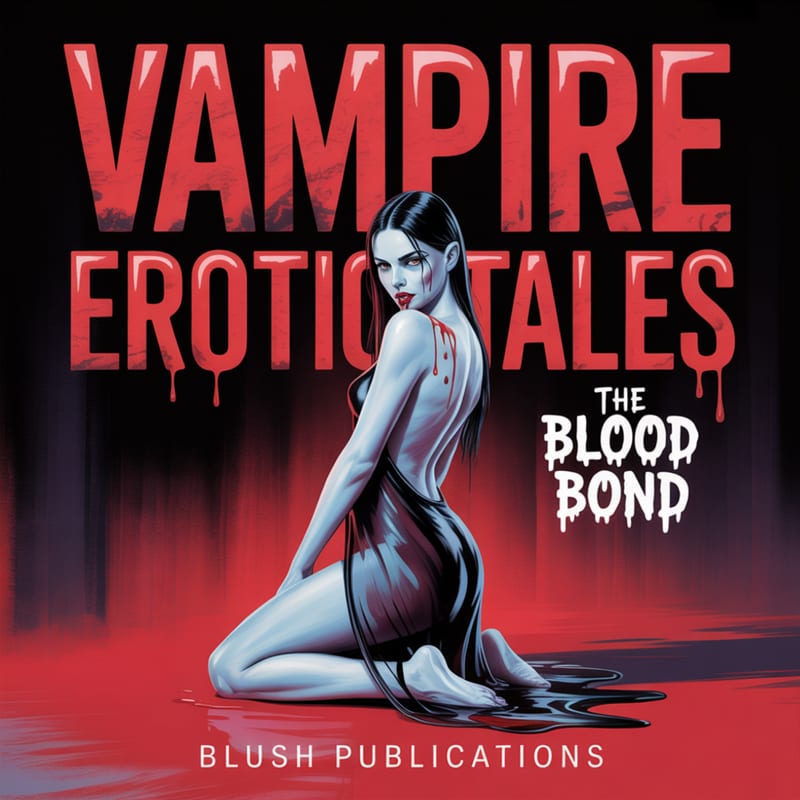
Vampire Erotic Tales
Blood bonds, immortal desire, and dark seduction in 10 explicit vampire erotica short stories.